One window.
Full focus.
FocusHaze dims every window except the one you're working in, so the rest of your screen fades into the background.
 Windows 10 & 11 · x64 and ARM64
The haze follows your focus.
A translucent haze sits right beneath the active window. Clicks pass straight through it, so you work exactly as before – just with less noise around you.
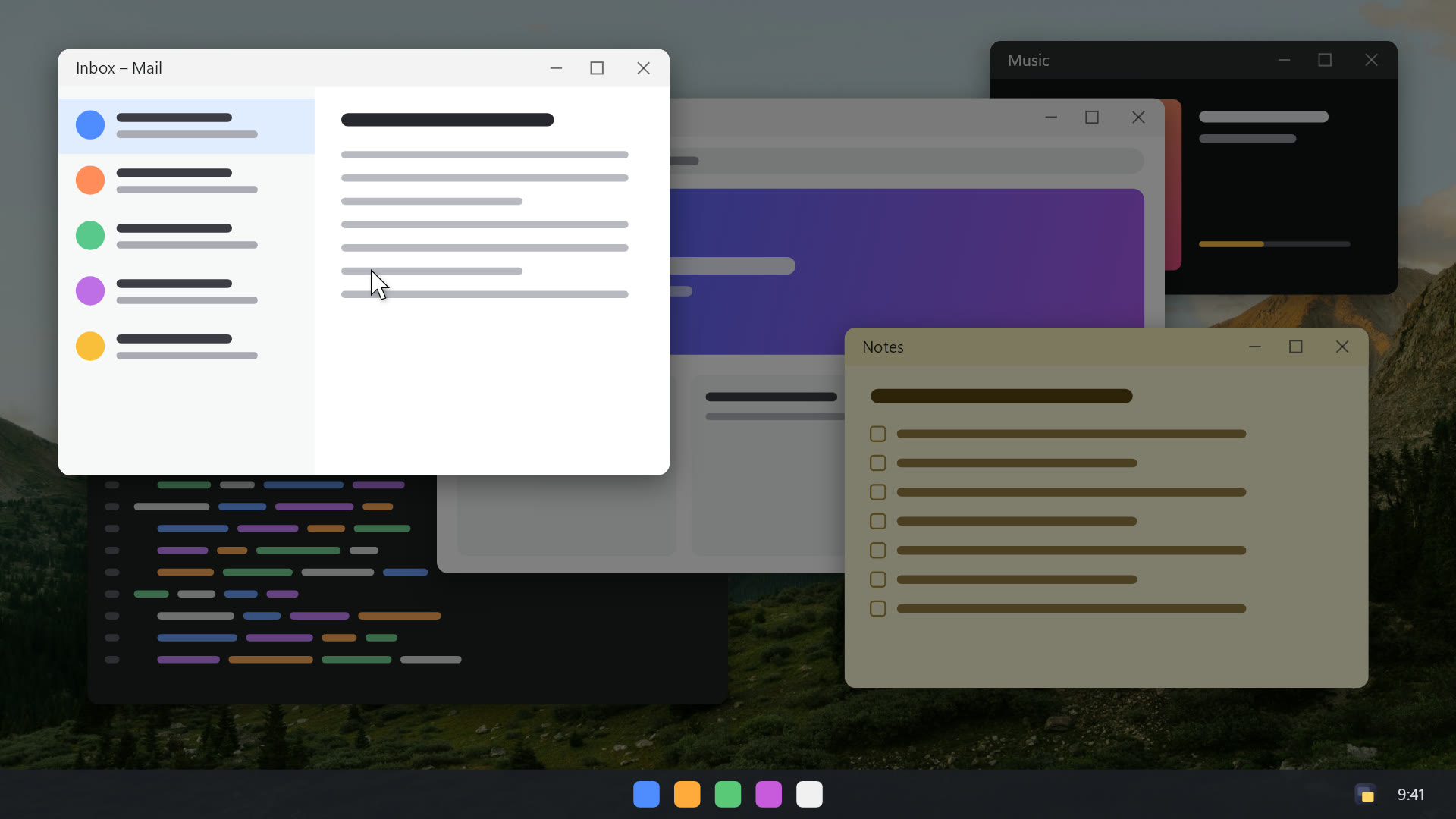
Dim the rest
Everything except the window you're working in fades into a soft haze: other apps, the desktop, all of it.
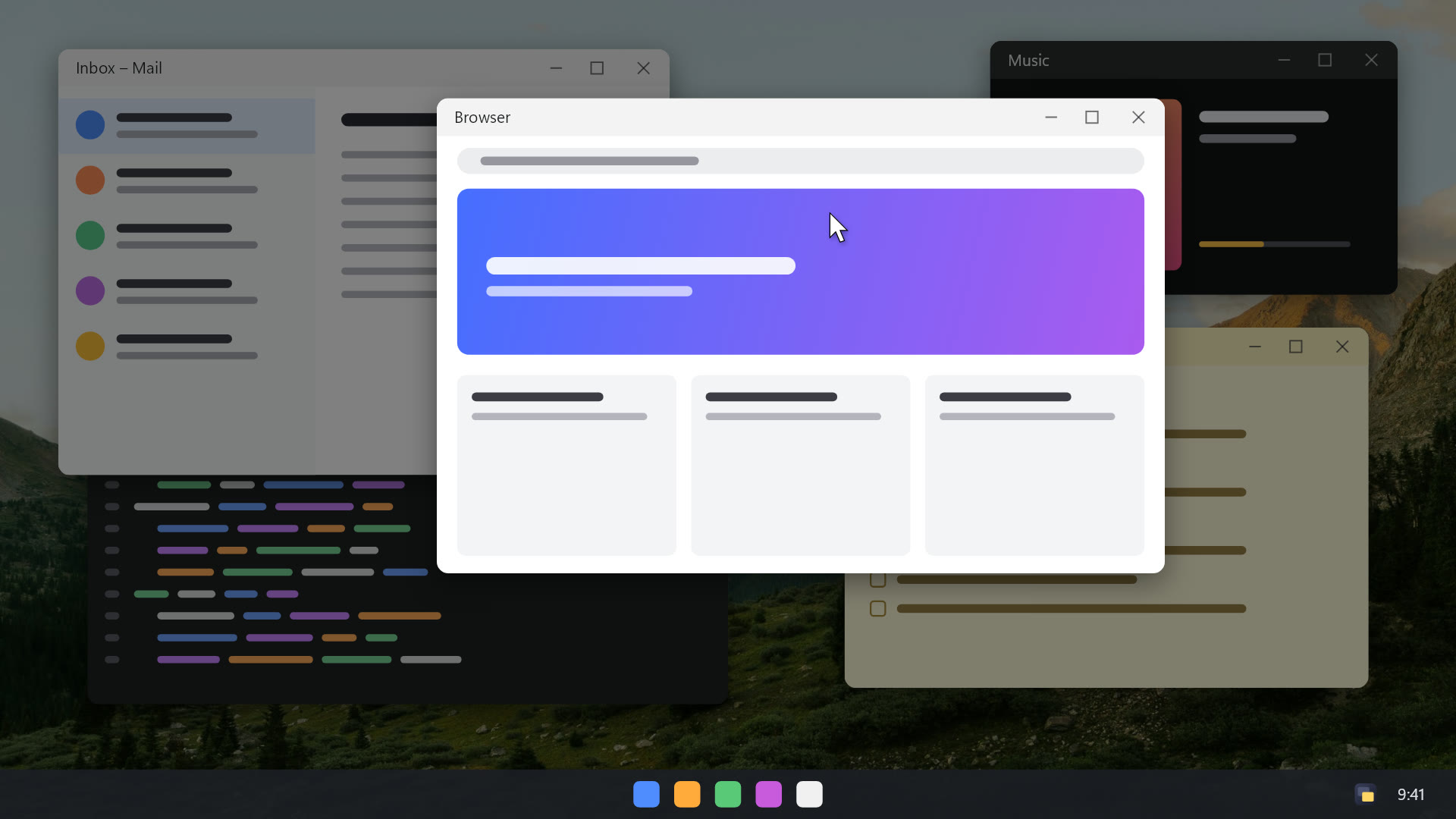
Switch, and it follows
Click any window and the haze moves with you. The window you leave fades out smoothly instead of flashing.
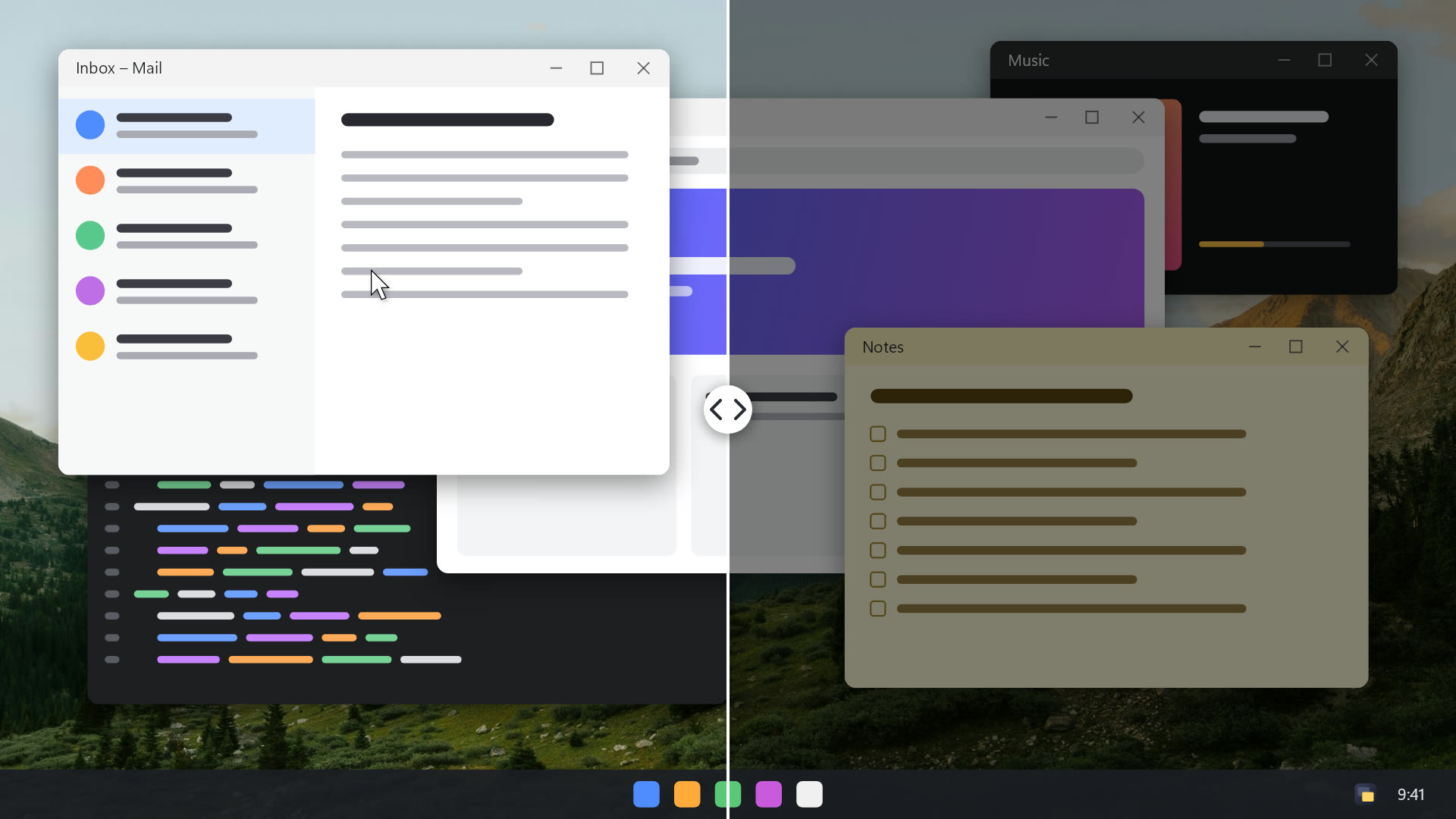
Calmer at a glance
Left: a normal busy desktop. Right: the same desktop with FocusHaze. Your eyes go straight to what matters.
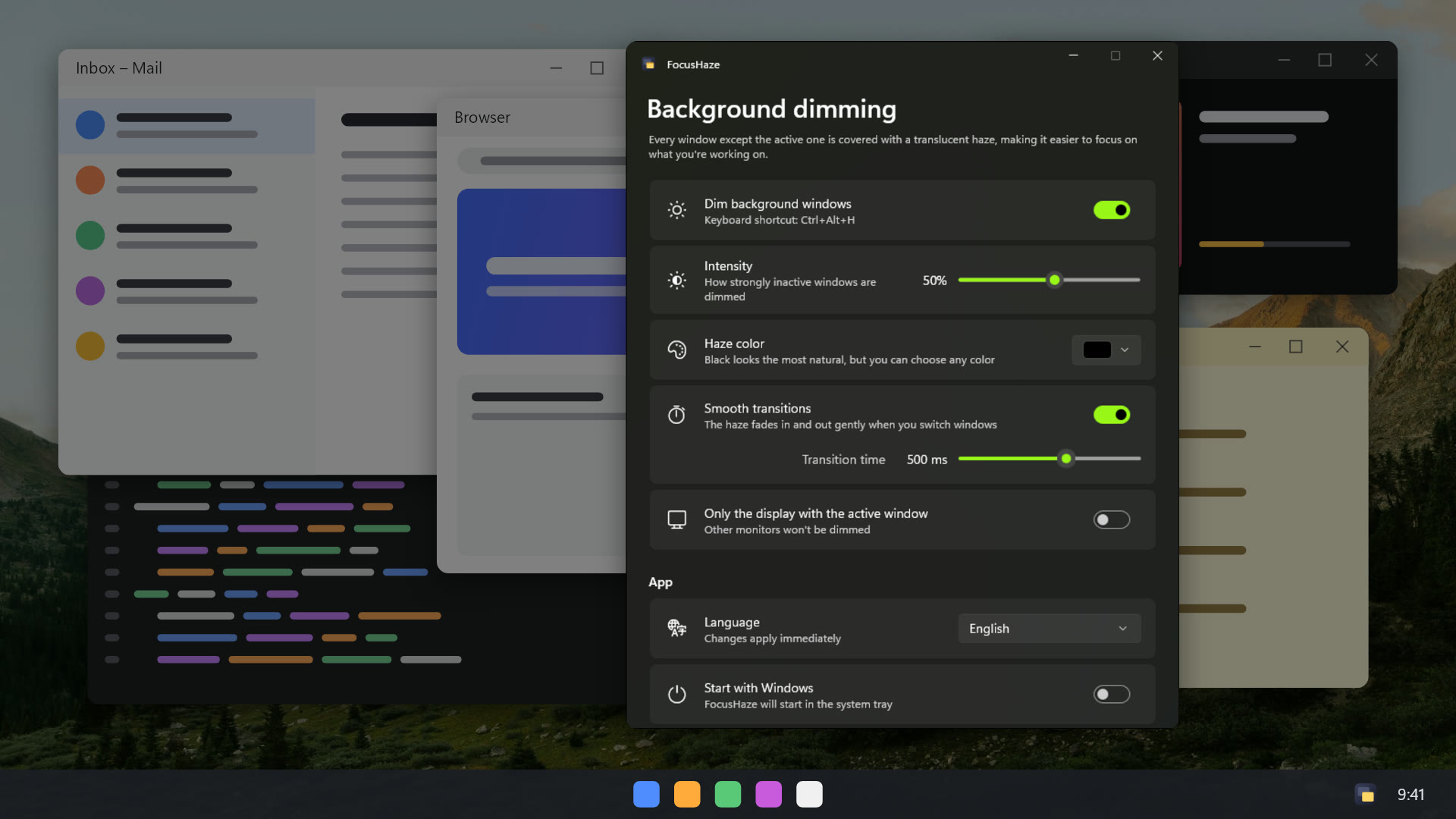
Make it yours
Choose how strong the haze is, its color and how fast it follows you. Changes apply instantly.
Hotkey, tray, every display. Covered.
FocusHaze runs quietly in your notification area and stays out of your way.
Ctrl+Alt+H
Turn dimming on and off from anywhere.
Click-through haze
It never gets in the way of your clicks.
Every display
Dim all monitors or only the one with the active window.
Starts with Windows
Optional – it starts quietly in the tray.
14 languages
Follows your Windows display language.
Private by design
No data collection, no ads, no network connections.
Questions
Is FocusHaze like HazeOver for Windows?
Yes – FocusHaze brings the same idea to Windows: everything except the active window is dimmed so you can concentrate. It was inspired by HazeOver for macOS, but it's an independent app built natively for Windows 10 and 11.
Can I still click on dimmed windows?
Yes. The haze is click-through: clicking any dimmed window activates it, and the haze moves beneath it.
Does it work with multiple monitors?
Yes. You can dim all displays, or only the display that contains the active window.
Does FocusHaze collect any data?
No. It makes no network connections, has no telemetry and shows no ads. Your settings stay on your PC. See the privacy policy.
Which Windows versions are supported?
Windows 10 version 2004 or later and Windows 11, on both x64 and ARM64 PCs.
Can I install it with winget?
Yes: winget install 9P3J7F0RK3RT installs FocusHaze from the Microsoft Store.

Less noise. More focus.
Install FocusHaze from the Microsoft Store – it updates automatically.